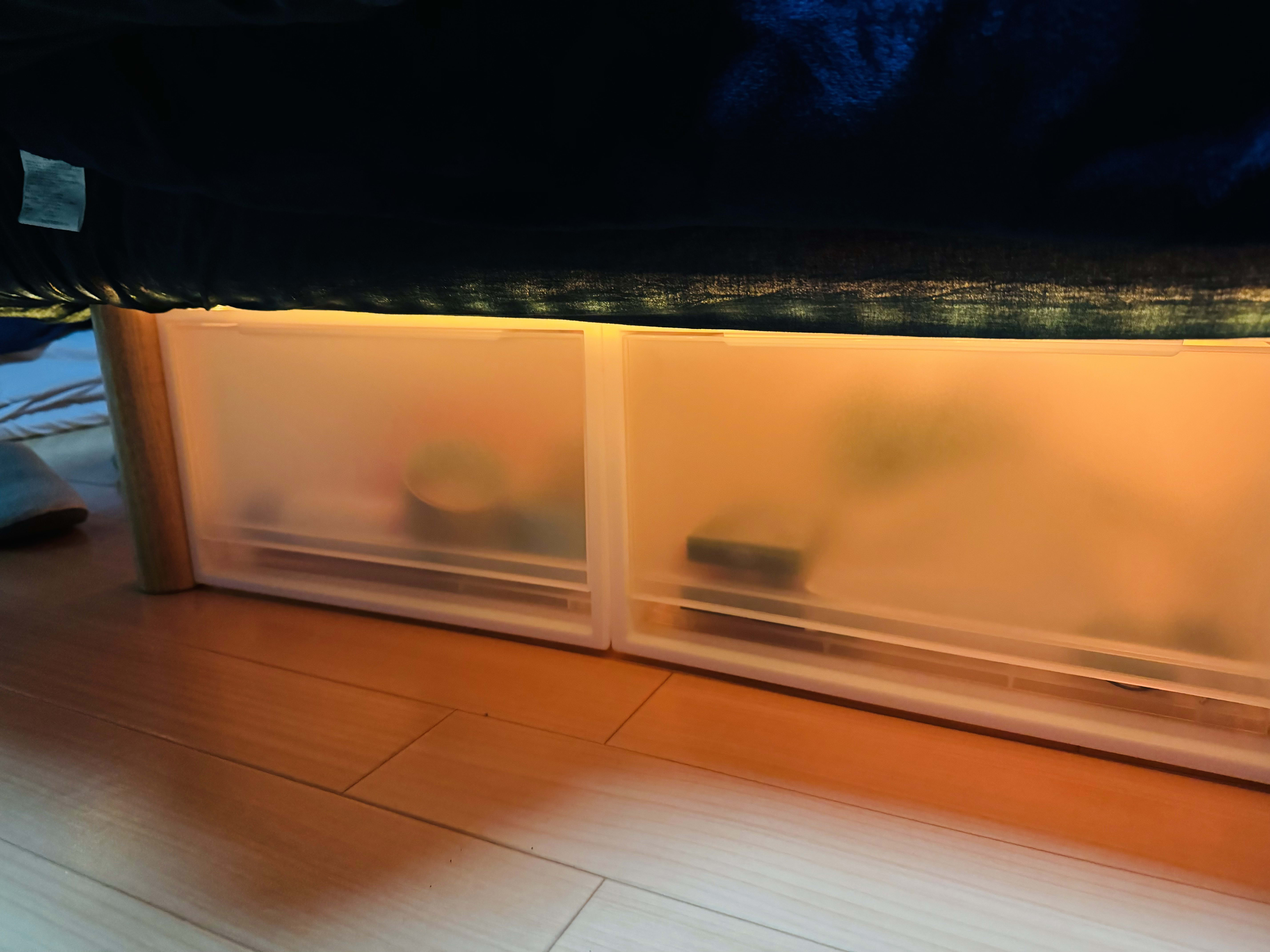
Making the Bed into Indirect Lighting and Automating It with a Smart Home
I wanted to introduce indirect lighting into my room, but most LED lanterns and lights use radio-based remotes, and I couldn’t control them with the Nature Remo I own.
After looking around, I found that the SwitchBot strip light (5m) ships with an infrared remote, so it works with Alexa and Google Home, and via the infrared remote it can be driven by a Nature Remo. It also costs under 3,000 yen, which looked like a very good deal compared with Philips Hue strip lights at around 8,000 yen.
Result
In the end I was able to create the setup below, and could turn it on/off and change colors on a schedule through the Nature Remo. Of course it also integrates with Alexa and Google Home, and even without a smart home you can connect it directly over Wi-Fi and control it.
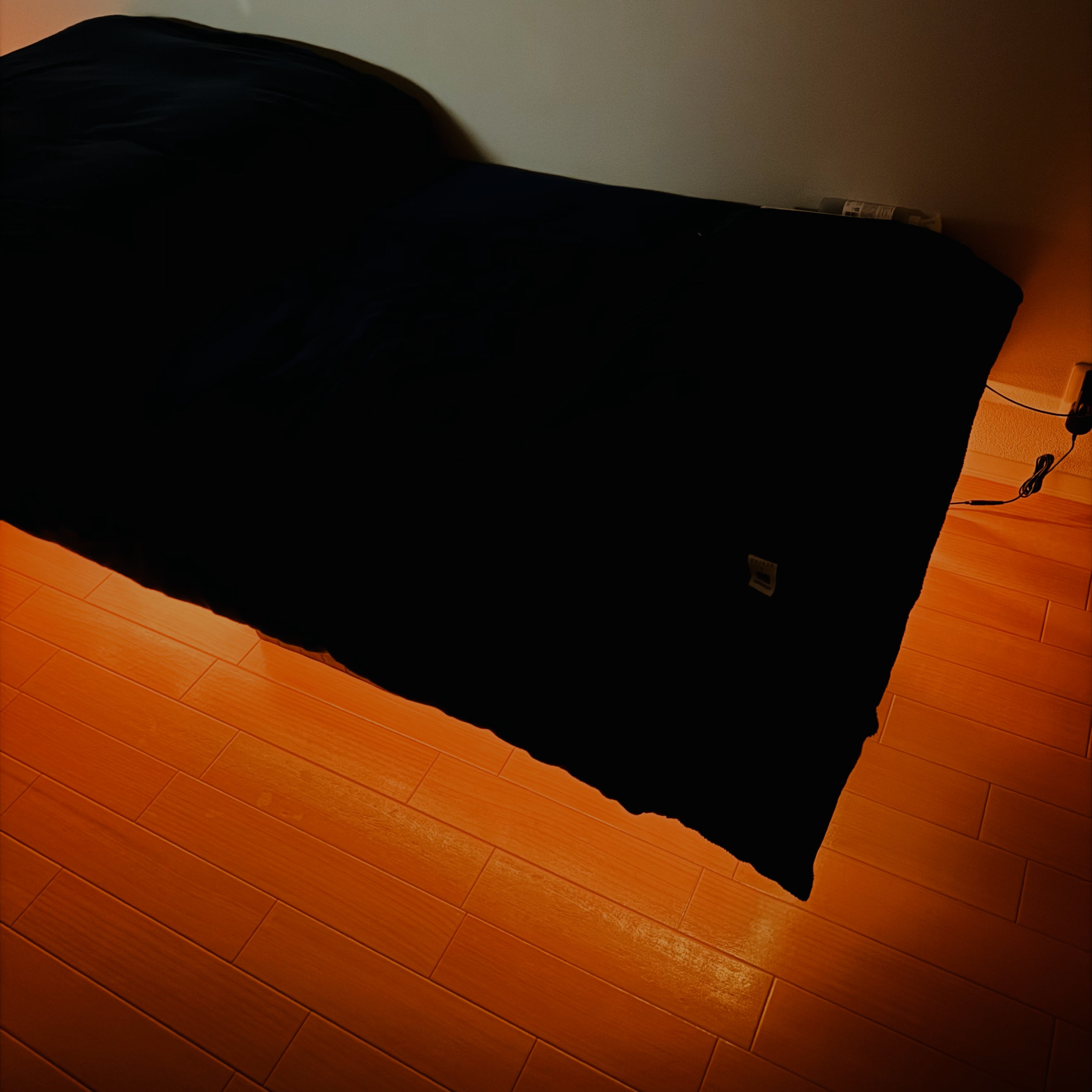
Installation and Things to Watch Out For
Let me start with a few caveats.
Installation caveats
- The 5m length is just slightly short of going all the way around the bed, so wrapping LEDs around the full perimeter is difficult
- You need to plan the layout so that the strip light’s infrared receiver and its power supply face the Nature Remo
Appearance caveats
- If the strip’s LEDs reflect directly off the floor, you see individual dots, so avoid leaving the LEDs exposed
- On the other hand, if the bed sheet is thick the light gets attenuated, so check that the sheet is on the thinner side
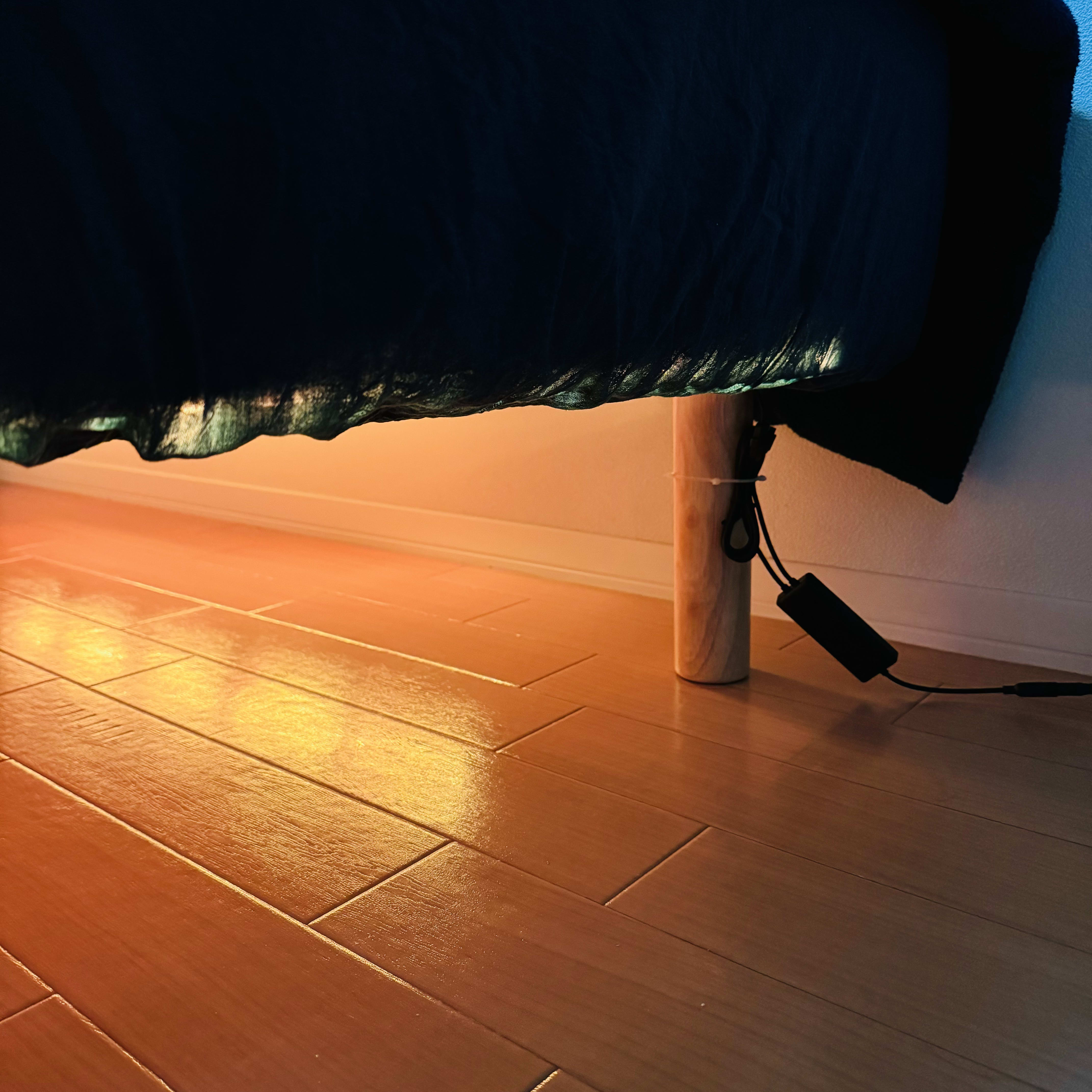
How It Looks Installed
Left exposed, you can see the LED dots on the floor, which bothers me a little (personal opinion).
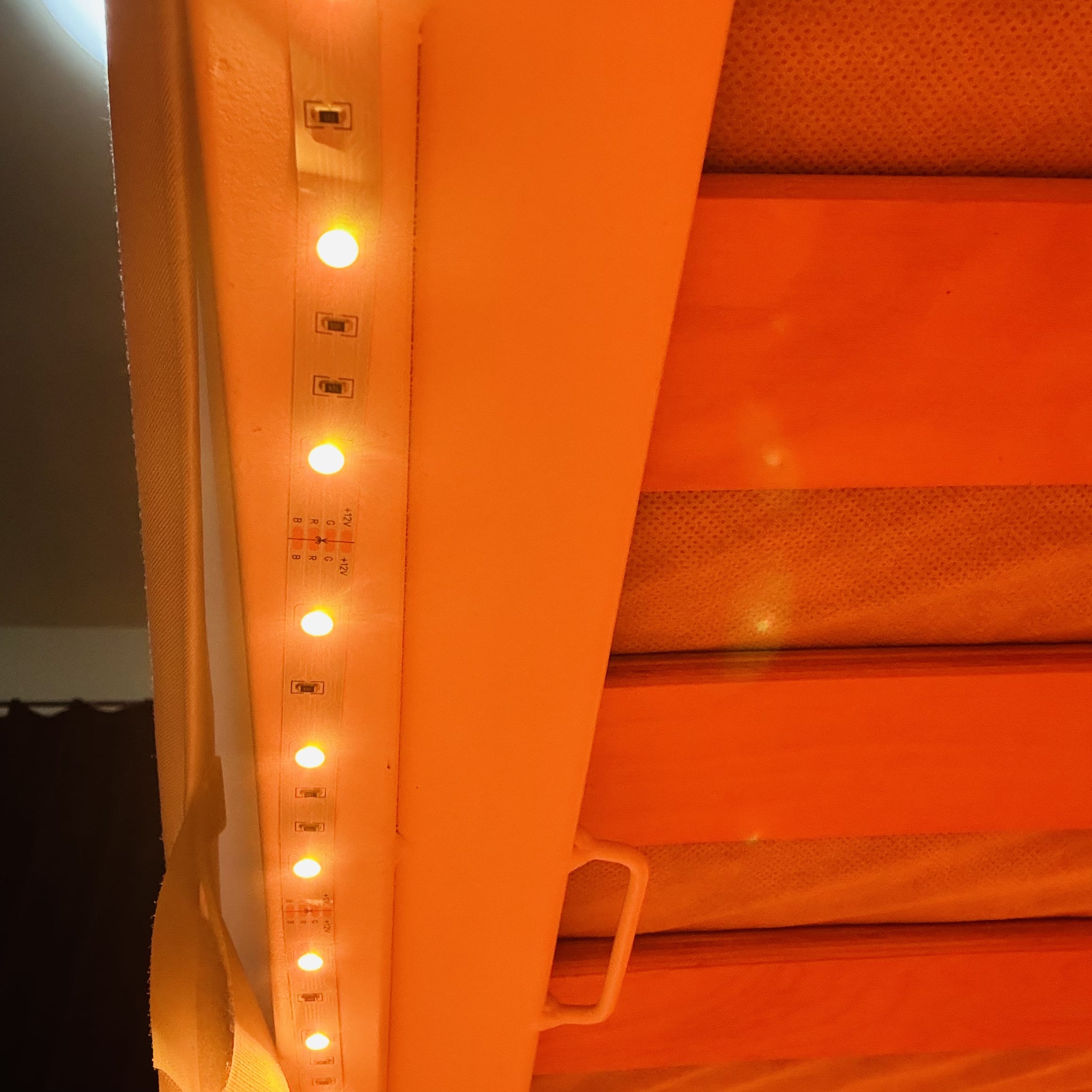
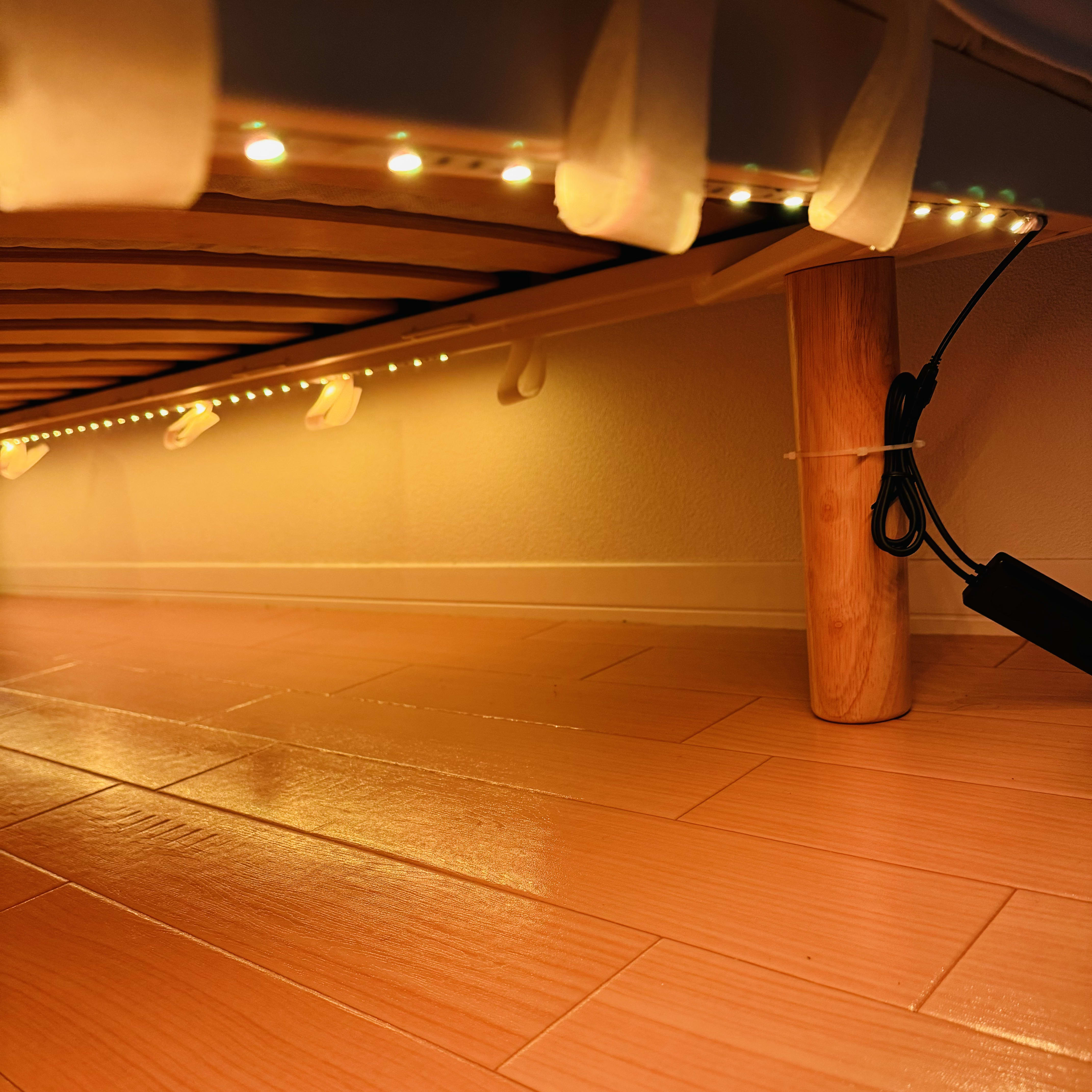
For the bed I use a MUJI mattress with legs, and its sheet diffused the LED light nicely.

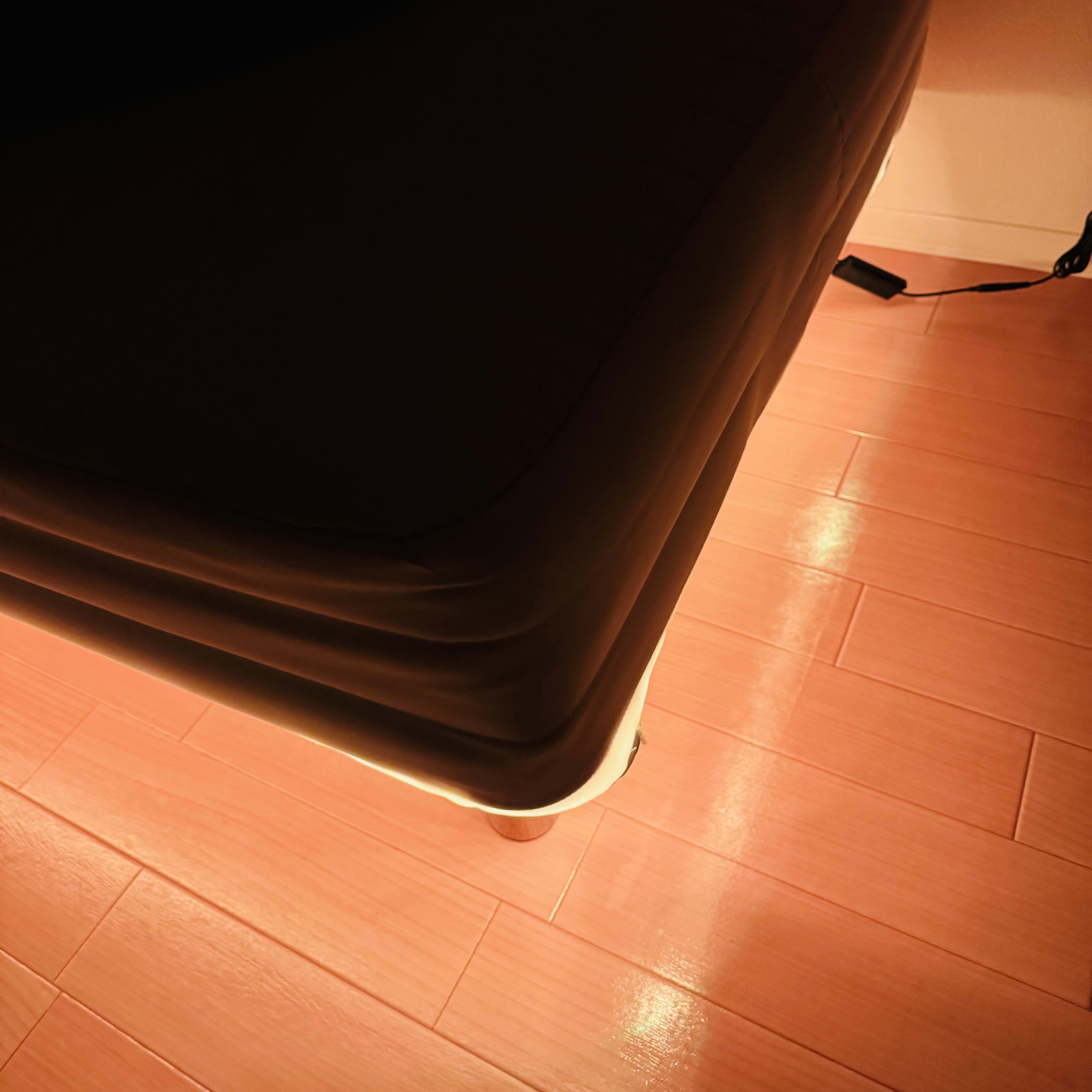
A side benefit is that it’s easier to clean under the bed and easier to see what’s in the under-bed storage.